Face Detection
Context:
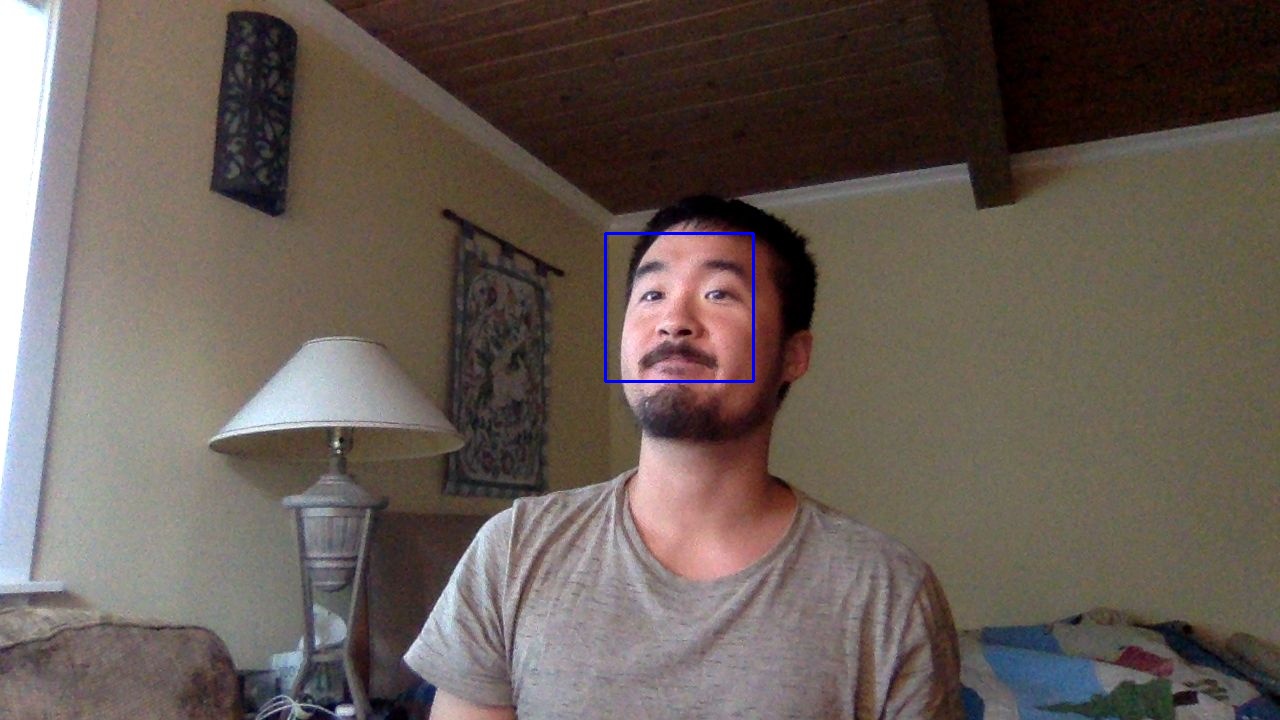
One of the trickiest gotchas of Google Colab is connecting your webcam. Lucky for us, LivestockCV has a function for accessing your webcam! This function makes use of your webcam to snap a selfie, and can detect your face. This is the basics of object detection, and the principles can be applied to livestock detection as well.
Tip
Lighting conditions and complex backgrounds can cause unexpected results in object detection.
Arguments:
- Requires:
a short snippet of code
A webcam!
Your permission to access your webcam
Code:
from IPython.display import display, Javascript, Image
from google.colab.output import eval_js

try:
  filename = LivestockCV_core.take_photo.take_photo()
  print('Saved to {}'.format(filename))
  display(Image(filename))
except Exception as err:
  print(str(err))
Warning
Make sure to check your privacy settings as you’ll likely need to grant permission for access to your webcam